
What's New in Your Signal Mobile App: August 2026
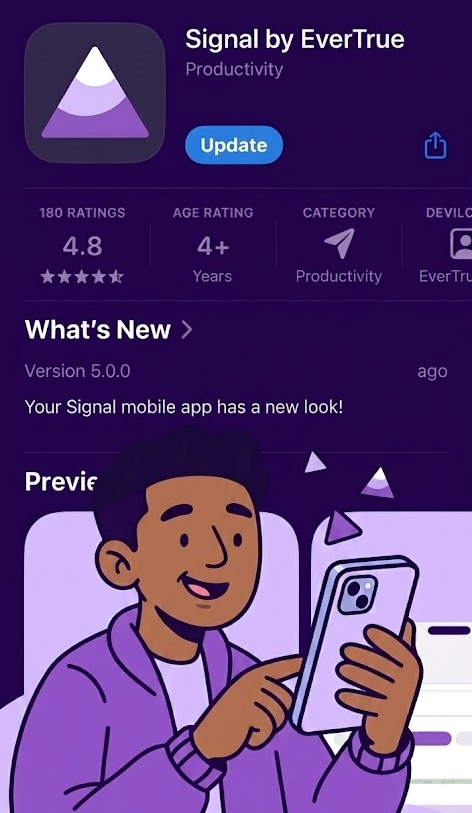
August 18, 2026: A Refreshed Look for the Signal Mobile App
The Signal by EverTrue Mobile App (iOS and Android) has a new look and feel. Your data hasn't changed — but how you get to it has, and there are a few new capabilities along the way.
Why this matters
- A redesigned Home tab puts your meetings, tasks, and trips front and center the moment you open the app
- Adding a task, logging an interaction, or scheduling a meeting is now a single tap away, from anywhere
- Constituent profiles are organized into clear, consistent tabs, so the same information is always in the same place
What you may notice
- The Home tab now shows at-a-glance counts for your meetings, tasks, and upcoming trips, plus a five-day look-ahead at your schedule
- A single + button replaces the separate Add Interaction, Add Meeting, and Add Trip buttons. Tap it to see all your options in one place, including creating a new task
- AI-Suggested Tasks now live in their own tab inside Tasks, alongside Your Tasks and Assigned By You
- The app's navigation is streamlined to five tabs: Home, Constituents, Prospects, Activity, and Tasks
- Trip details are now organized into Prospects, Meetings, Interactions, and Map tabs, with dedicated buttons for editing and deleting instead of a dropdown menu
- Getting directions to a meeting now lets you choose Apple Maps, Google Maps, or Waze
What you should do
Update your app. To get these changes, update to the latest version of the Signal Mobile App from the App Store (iOS) or Google Play (Android). If you or your team rely on step-by-step guides that reference the old navigation (a menu icon in the top left, for example), those steps have changed.
Help Articles about the Signal by EverTrue Mobile app
New Proposals and Enrichment Tabs on Constituent Profiles
Two new tabs are now available directly on a constituent's profile in the Signal Mobile App.
Why this matters
- Track and manage giving proposals without leaving the app
- See a fuller picture of a constituent's philanthropic capacity, powered by DonorSearch, right from their profile
What you may notice
- A new Proposals tab shows each proposal's ask amounts, stage, solicitors, and related activity, and lets you create or edit proposals from your phone
- A refreshed Enrichment tab organizes wealth and philanthropic data into clear sections: Capacity Ratings, Giving, Financial Signals, and Philanthropic Indicators, alongside existing address, career, and social media insights
- Constituent profiles are now organized into seven tabs: Summary, Info, Tasks, Giving, Enrichment, Interactions, and Proposals
What you should do
Update your app to see these tabs. If your organization has a paid DonorSearch subscription, you'll see additional predictive scoring detail on the Enrichment tab; Signal-only accounts will see EverTrue's own Donor Potential Score.
Navigating a Constituent Profile Android
Navigating a Constituent Profile iOS
Frequently asked questions
Do I need to do anything to get the new app experience?
Yes! Update to the latest version of the Signal by EverTrue Mobile App from the App Store or Google Play. The update is free and applies automatically once installed.
Will my saved lists, tasks, and trips still be there?
Yes. Nothing about your existing data changes; only the navigation and layout.
Where did the menu in the top-left corner go?
Navigation has moved to five tabs at the bottom of the screen: Home, Constituents, Prospects, Activity, and Tasks.
Is the Proposals tab available to everyone?
Yes, it's available to all mobile users.
Do I need a paid DonorSearch subscription to use the new Enrichment tab?
No. The Enrichment tab is available to all Signal customers. A paid DonorSearch subscription adds additional predictive scoring detail (DSAI, Enhanced Core, and MLR scores) beyond EverTrue's standard Donor Potential Score.
Learn more about the Signal by EverTrue Mobile app. For any questions, reach out to EverTrue Support at genius@evertrue.com.
Content aside
- 1 mth agoLast active
- 36Views
-
1
Following