
Mobile: Navigating Your Signal Android App
The Signal Android app navigation bar consists of static tabs at the bottom of the screen.
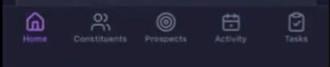
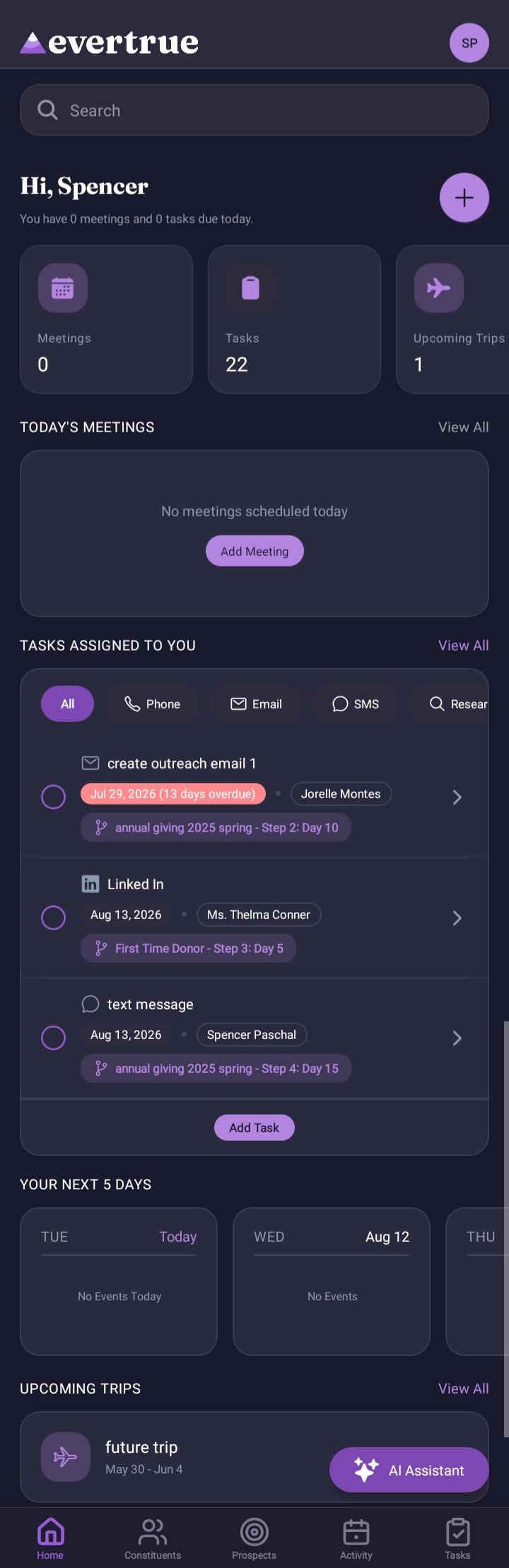
Home Tab (default view) — Updated
The Home tab is the app's default landing screen and is available to all subscribers. It includes a search bar, at-a-glance counts, + (for quick actions), Today’s Meetings, Tasks Assigned To You, Your Next 5 Days, Upcoming Trips, and the AI Assistant button. See "Using the Home Page on Your Android App" for full details on every section.
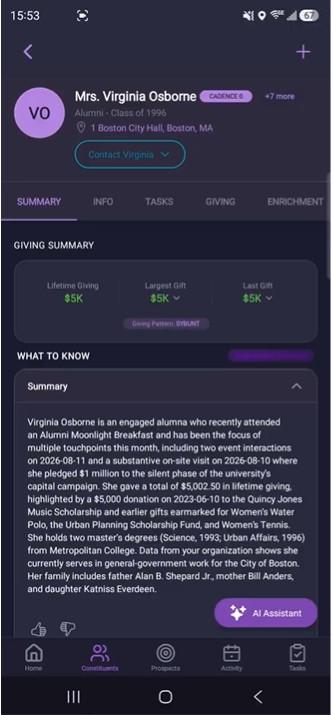
Constituents Tab
Search Bar: Find constituents by name, remote ID, email, or phone number with the ability to filter.
Browse: All constituents
Recently Viewed: Return to recently searched profiles.
Map & Filter: View constituents on a map and apply filters.
Saved Searches: View your saved searches.
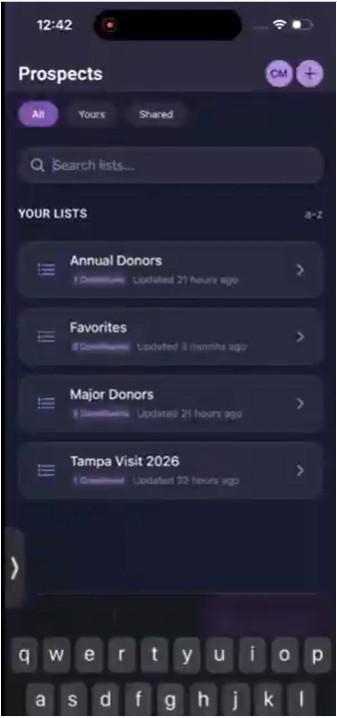
Prospects Tab
+ Button: Quickly create a new list
All: Search feature for your lists
Your Lists: View your static lists.
Lists Shared with You: View lists where you are a collaborator.
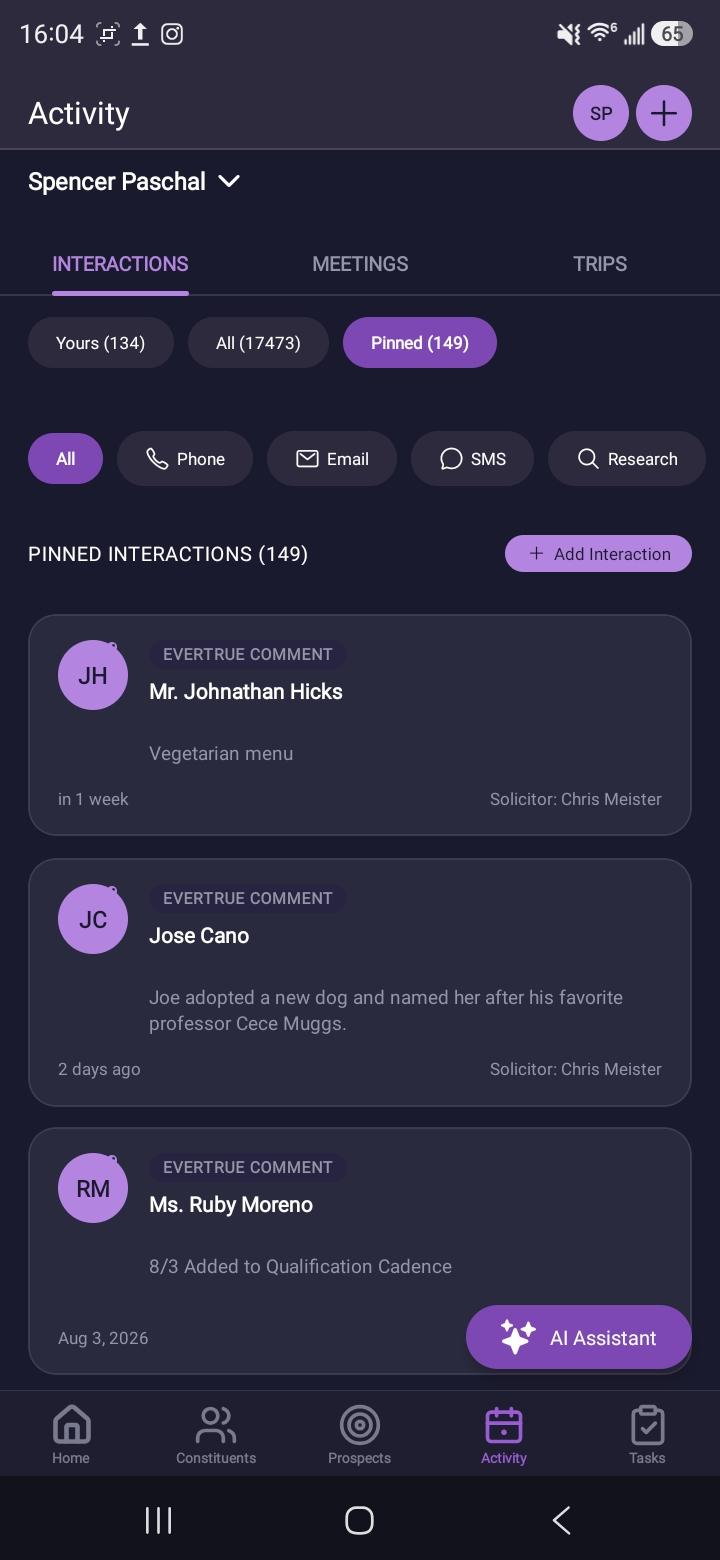
Activity Tab
Search for Solicitors: Tap on your name, and the ability to search for solicitors shows
+ Button: Quickly add interactions, meetings, phone calls, or trips.
Interactions: Feed of types of interactions and add interactions.
Meetings: Upcoming and all meetings, and also add meetings.
Trips: View Upcoming or all trips and also add trips.
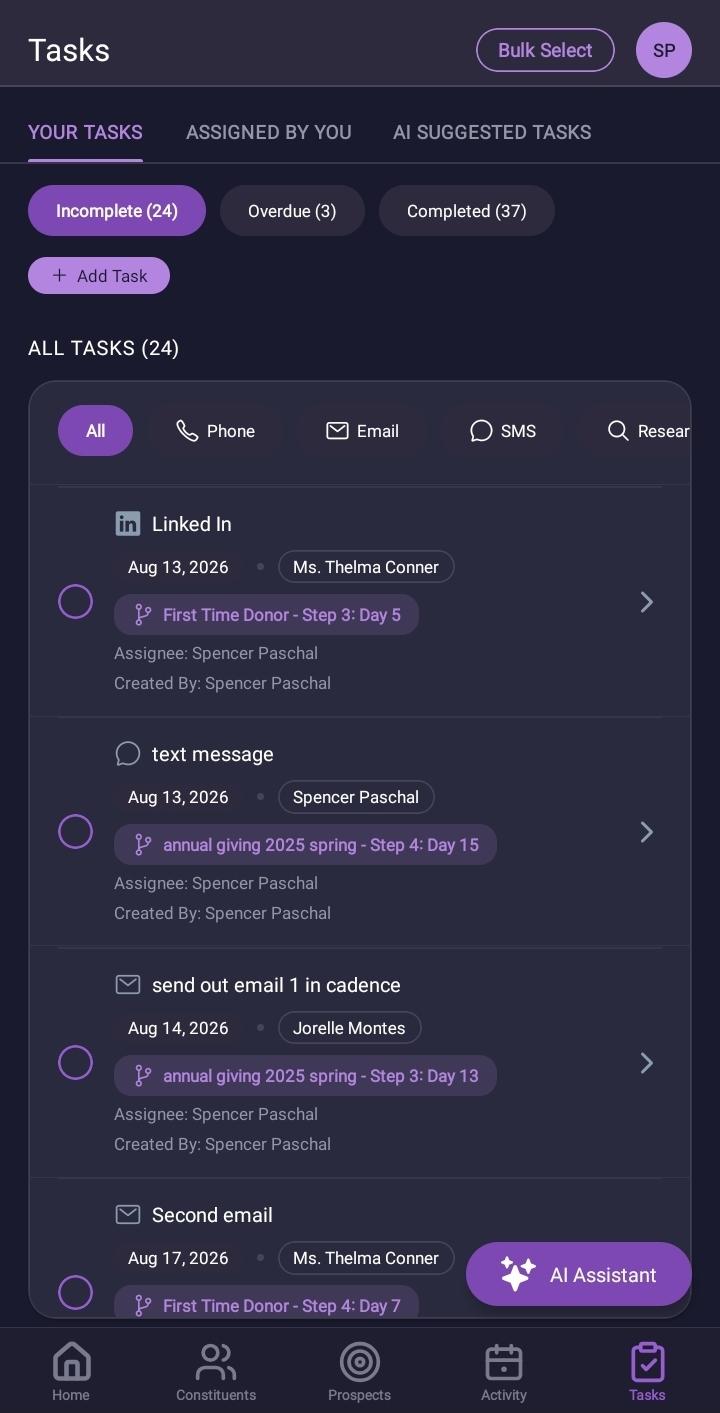
Tasks Tab
Your Tasks, Assigned by You, and AI Suggested Tasks
Pills with Incomplete (X), Overdue (X), and Completed (X), each with its own count and ordering, rather than a single combined list.
+ Add Task Button: Quickly add a task
List of tasks filtered by Incomplete, Overdue, Completed
Account Tab (circle in the upper right corner with your initials)
Your organization
Your ThankView videos
Notifications
Help and Support
Logout Button
Biometric App Lock toggle
https://www.loom.com/share/ecec675cea394b9db5e4e52bbc48b4fb
Launchpad — Removed
The Launchpad tab has been removed and is no longer part of the app navigation.
If you have questions, contact EverTrue Support at genius@evertrue.com.
Content aside
- 1 mth agoLast active
- 18Views
-
1
Following